Why Enterprise Businesses Need Remote Access
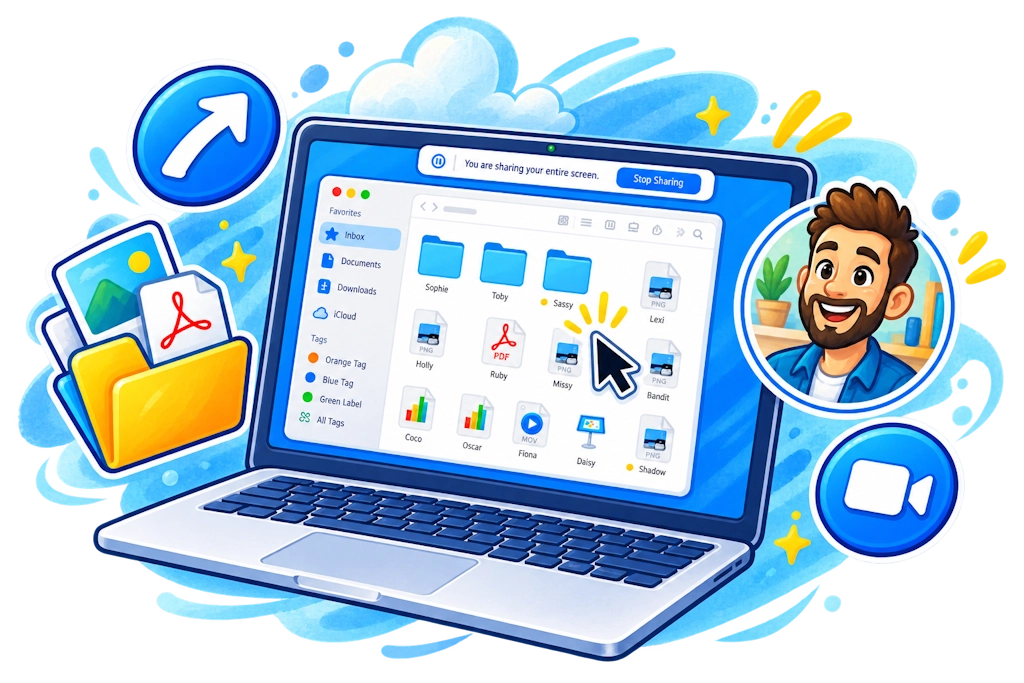
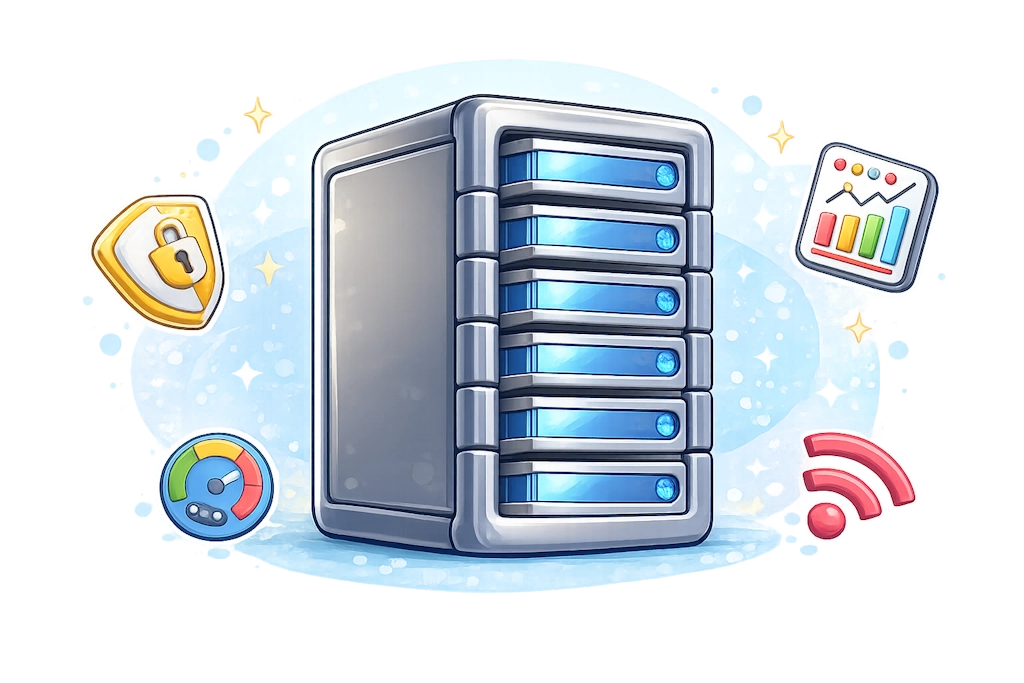
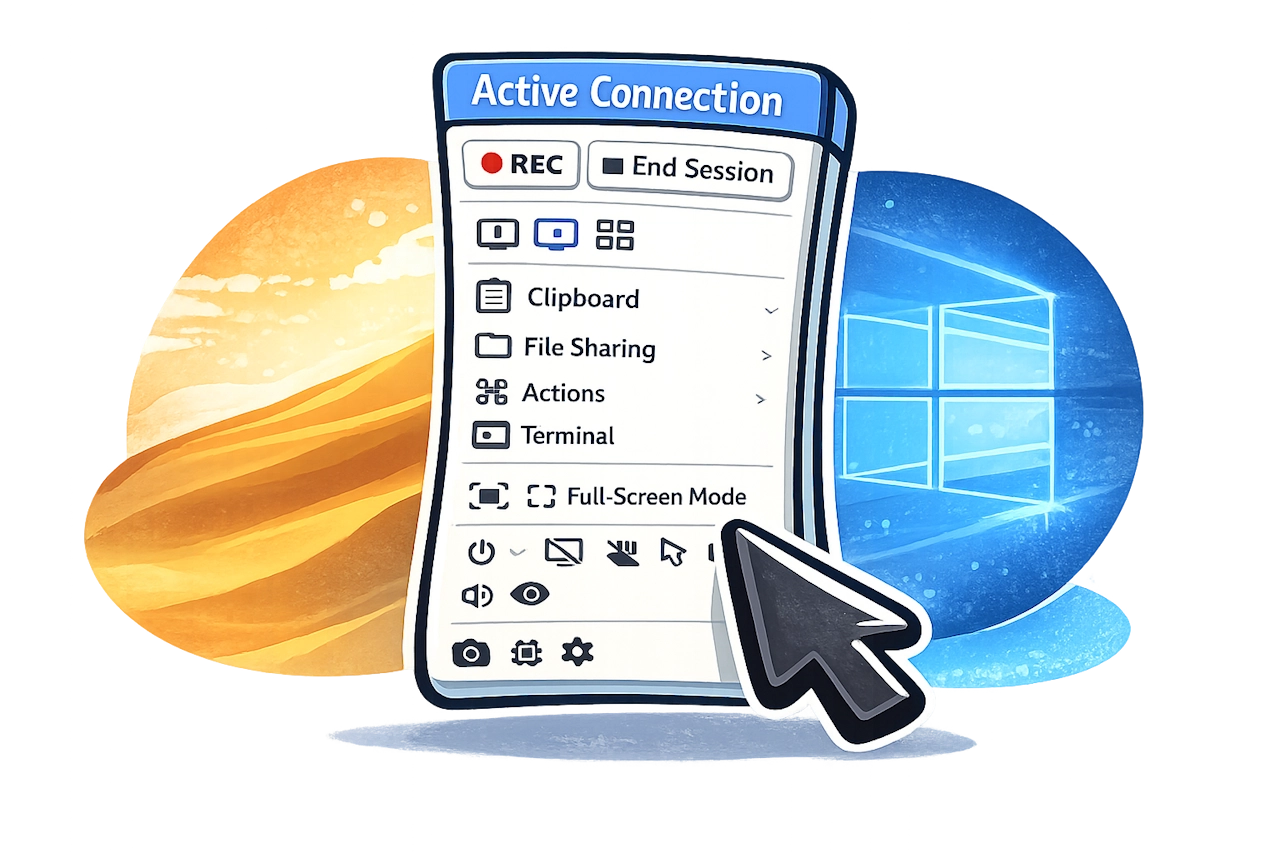
Getscreen.me provides enterprise IT teams with a remote access platform designed to manage users, devices, permissions, and infrastructure at scale. Organizations can structure support teams with departments and granular access permissions based on technicians' responsibilities. Cross-platform support allows teams to manage Windows, macOS, and Linux devices from the same environment. Mass deployment helps administrators roll out remote access across large device fleets. Active Directory integration and HTTP API connect Getscreen.me with existing identity systems, internal tools, and automated workflows. For organizations with strict security or infrastructure requirements, the Self-Hosted version provides greater control over data, connections, network architecture, and security settings. Together, these capabilities help enterprises build a scalable and controlled remote support environment that fits their existing IT operations.